Fetching article…
Back to posts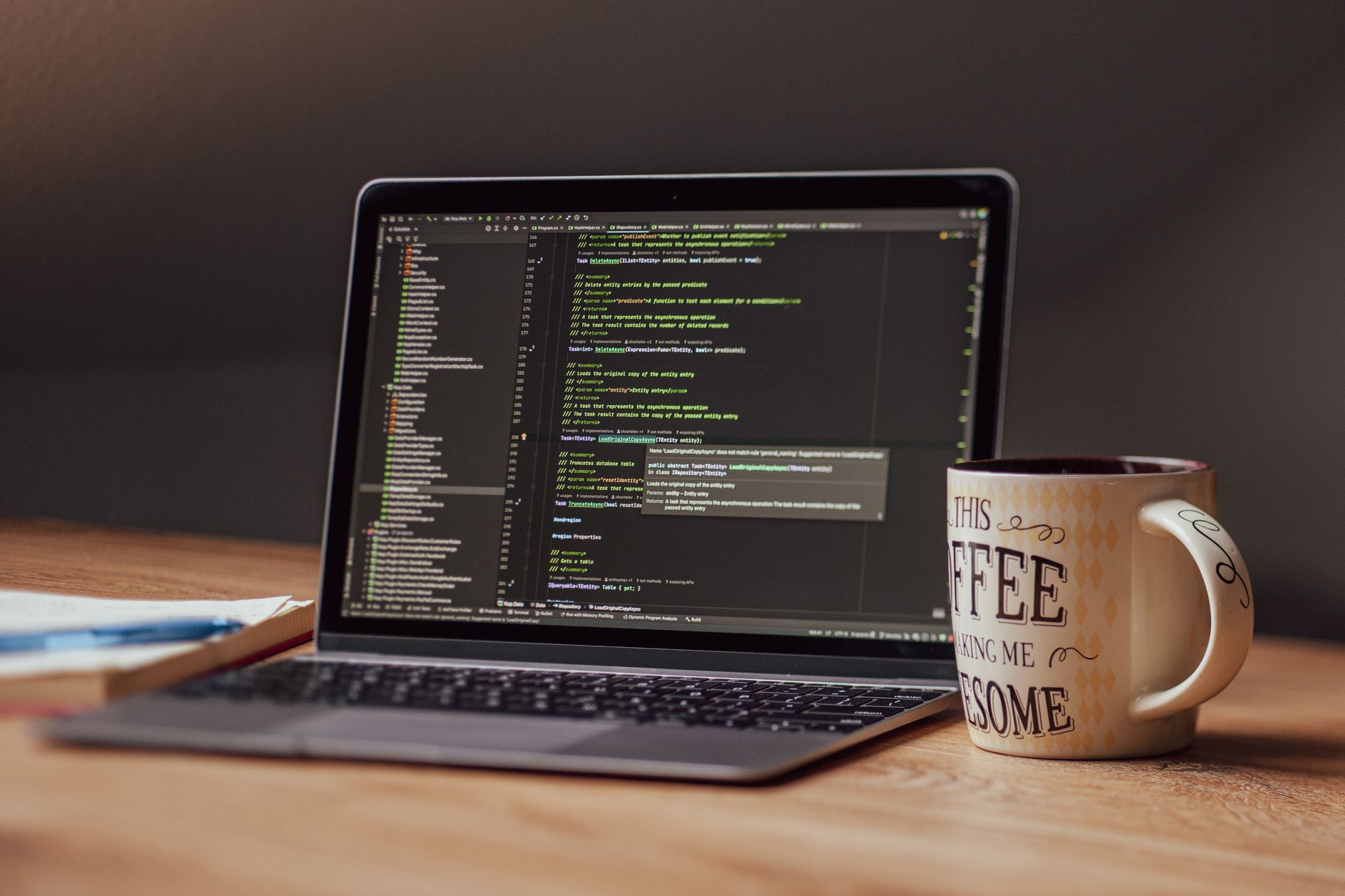
Technology
Essential Tools Every Developer Should Use
Don't start coding without these must-haves
I've seen it time and time again: a junior developer starts working on a project, only to realize they're missing a crucial tool that would've saved them hours of frustration. As someone who's been in the industry for over 8 years, I can confidently say that having the right tools can make all the difference. In fact, a survey by Stack Overflow in 2022 found that 64% of developers consider Integrated Development Environments (IDEs) to be essential for their work. But what are the must-have tools that every developer should use?
In my experience, the key to productivity is having a solid set of tools that cover everything from coding to debugging. One of the most important tools is a good code editor. I've tried several over the years, but my personal favorite is Visual Studio Code (VS Code), which has been my go-to editor since version 1.34 was released in 2019. With its extensive library of extensions and customizable interface, it's the perfect choice for developers of all levels. Another essential tool is a version control system, such as Git, which allows you to track changes and collaborate with others on your code. I've found that using Git with VS Code is a match made in heaven, as the editor has built-in support for the version control system.
Here's the thing: having the right tools is not just about personal preference, it's also about efficiency. When I first started out, I used to spend hours manually debugging my code, only to realize that I could've used a debugger to find the issue in minutes. That's why I always recommend that developers use a debugger like Chrome DevTools or Node.js Inspector, which can help them identify and fix problems quickly. Another common mistake beginners make is not using a package manager, such as npm or yarn, to manage their dependencies. This can lead to version conflicts and other issues down the line.
Introduction to Essential Tools
One of the biggest challenges facing developers is choosing the right tools for the job. With so many options available, it can be overwhelming to decide which ones to use. In my opinion, the key is to focus on the essentials: a good code editor, a version control system, a debugger, and a package manager. These tools will cover the majority of your needs and provide a solid foundation for your development work. For example, VS Code has a vast array of extensions available, including Debugger for Chrome, which allows you to debug your web applications directly from the editor.
The real problem is that many developers don't realize the importance of these tools until it's too late. I've seen projects stalled because of version conflicts or debugging issues that could've been avoided with the right tools. That's why I always recommend that developers take the time to learn about the essential tools and how to use them effectively. It's not just about having the tools, it's about knowing how to use them to your advantage. For instance, Git has a steep learning curve, but once you master it, you'll be able to manage your codebase with ease.
What actually works is having a workflow that incorporates all of these tools seamlessly. For example, you can use VS Code to write your code, Git to manage your version control, and npm to manage your dependencies. Then, when you need to debug your code, you can use Chrome DevTools to identify the issue and fix it quickly. This workflow will save you time and reduce frustration in the long run. As the famous developer, John Resig, once said:
“"The best code is the code that you don't have to write, and the best tool is the tool that makes it easy to write the code that you do have to write."
Code Editors and IDEs
Loading image…
When it comes to code editors, there are many options available, each with its own strengths and weaknesses. VS Code is my personal favorite, but other popular choices include Sublime Text, Atom, and IntelliJ IDEA. The key is to find an editor that fits your needs and workflow. For example, if you're working on a large project, you may want an editor with advanced features like code completion and debugging. On the other hand, if you're working on a small project, a lightweight editor like Sublime Text may be sufficient.
In my experience, the best code editors are those that are highly customizable. VS Code is a great example of this, as it allows you to install extensions to add new features and functionality. For instance, you can install the ESLint extension to check your code for errors and warnings. Another great feature of VS Code is its built-in support for Git, which makes it easy to manage your version control directly from the editor.
Here's an example of how you can use VS Code to write and debug a simple Node.js application:
typescript
1// Import the required modules
2import * as http from 'http';
3
4// Create a new HTTP server
5const server = http.createServer((req, res) => {
6  res.writeHead(200, {'Content-Type': 'text/plain'});
7  res.end('Hello World\n');
8});
9
10// Start the server
11server.listen(3000, () => {
12  console.log('Server started on port 3000');
13});
This code creates a simple HTTP server using Node.js and listens on port 3000. You can then use VS Code to debug the application and identify any issues.
Version Control and Debugging
Version control is an essential part of any development workflow. Git is the most popular version control system, and for good reason. It's flexible, powerful, and easy to use. With Git, you can track changes to your codebase, collaborate with others, and manage different versions of your code.
The real power of Git lies in its ability to manage complex workflows. For example, you can use Git to create separate branches for different features or bug fixes, and then merge them back into the main branch when they're complete. This makes it easy to manage large projects and ensure that your codebase is always up-to-date.
When it comes to debugging, Chrome DevTools is an essential tool for any web developer. It allows you to inspect and debug your web applications, identify performance issues, and optimize your code for better performance. Another great debugging tool is Node.js Inspector, which allows you to debug your Node.js applications and identify issues quickly.
What I've found is that debugging is not just about finding errors, it's about understanding how your code works. Chrome DevTools and Node.js Inspector provide a wealth of information about your code, including execution times, memory usage, and network activity. By using these tools, you can gain a deeper understanding of your code and identify areas for improvement.
One common mistake beginners make is not using a debugger to identify issues. Instead, they rely on console logs and manual debugging, which can be time-consuming and frustrating. By using a debugger, you can quickly identify the source of the issue and fix it, saving you time and reducing frustration.
Package Managers and Productivity
Loading image…
Package managers are essential for managing dependencies in your codebase. npm and yarn are two of the most popular package managers, and they make it easy to install and manage dependencies. With a package manager, you can ensure that your codebase is always up-to-date and that you're using the latest versions of your dependencies.
In my opinion, npm is the better choice for most developers. It's easy to use, flexible, and has a vast array of packages available. yarn, on the other hand, is a great choice for large projects or projects that require more advanced features.
One of the biggest advantages of using a package manager is that it saves you time. Instead of manually downloading and installing dependencies, you can use a package manager to do it for you. This frees up more time for coding and debugging, and reduces the risk of version conflicts and other issues.
Here's an example of how you can use npm to install dependencies for a Node.js project:
bash
npm install expressThis command installs the express package and its dependencies, making it easy to get started with your project.
Conclusion and Next Steps
In conclusion, having the right tools is essential for any developer. By using a good code editor, version control system, debugger, and package manager, you can save time, reduce frustration, and improve your productivity. My advice is to take the time to learn about these tools and how to use them effectively. With practice and experience, you'll become more efficient and effective in your development work.
What's next? Start by exploring the tools I've mentioned in this article. Try out VS Code, Git, Chrome DevTools, and npm to see how they can improve your workflow. Don't be afraid to experiment and try new things – it's the best way to learn and improve your skills. And remember, the key to success is to find the tools that work best for you and your workflow.
As you continue on your development journey, keep in mind that the tools you use are just the beginning. The real power lies in your ability to use them effectively and efficiently. By mastering the essential tools and staying up-to-date with the latest developments, you'll be well on your way to becoming a skilled and productive developer.
Was this helpful?
Share this post


